How to Use Productivity Apps to Maximize Time and Minimize Digital Distractions
Unlocking Your Potential with Productivity Apps
In today’s fast-moving digital world, staying focused can feel harder than ever. A single notification, message, or social media alert can break your concentration and turn a simple task into a much longer process. Productivity apps were created to help solve this problem. They give people practical ways to manage their time, organize their responsibilities, and reduce the digital noise that often gets in the way of meaningful work.
With information constantly available at our fingertips, these tools can become valuable partners in building better focus and improving daily productivity.
What Can Productivity Apps Do for You?
Productivity apps offer a wide range of features designed to simplify workflows and help users stay focused. Some of the most common functions include:
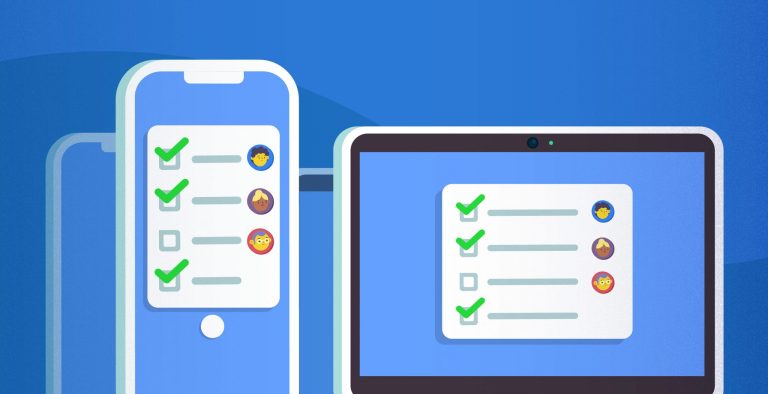
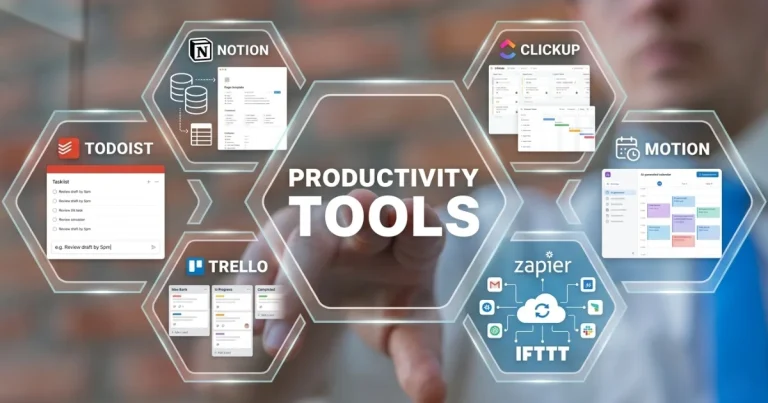
Task management: These tools help users create to-do lists, set deadlines, and organize tasks by priority. For example, an app like Todoist allows you to build projects, assign due dates, and use labels to categorize tasks for easier access.
Time tracking: Knowing how much time you spend on different activities can make it easier to identify where improvements are needed. Tools such as RescueTime provide analytics that show how your time is divided across tasks, helping you make more intentional decisions about where to focus your energy.
Focus modes: Many productivity apps include features that reduce distractions during work sessions. Forest, for instance, encourages users to stay off their phones by growing a virtual tree while they remain focused. Noise-canceling apps can also help block background noise and limit interruptions.
With so many options available, learning how to use these apps effectively can make a noticeable difference in your daily routine. Trello, for example, uses a card-based system that helps individuals and teams visualize tasks at different stages of completion. By choosing a productivity app that fits your specific needs, you can recover lost time and create a more organized, focused lifestyle.
Why It Matters
Recent studies suggest that distractions can significantly reduce productivity while increasing stress and frustration. Research has shown that it can take an average of 25 minutes to regain focus after being interrupted, which makes uninterrupted work time especially valuable. By using technology to support your concentration, you can improve your results while also creating a healthier work-life balance.
The rise of remote work among many Americans has made productivity even more important, especially in home environments where distractions are common. The right productivity apps can help people stay on track in both their personal and professional lives. When used well, these tools may become a key part of unlocking your potential and improving the way you work each day.
Choosing the Right Productivity App for Your Needs
With so many productivity apps available, choosing the right one can feel overwhelming. The process becomes easier when you start by identifying your specific needs, habits, and preferences. Here are some important factors to consider when evaluating which app best fits your workflow:
User Interface: A clean and intuitive interface can make the app easier to use and more enjoyable over time. Tools like ClickUp offer customizable dashboards, allowing users to shape their workspace around their personal preferences and productivity style.
Integration Capabilities: If you already use several tools throughout your workday, it is important to choose an app that connects smoothly with them. For example, Slack and Google Calendar can integrate with apps like Todoist, helping create a more connected and efficient workflow.
Collaboration Features: Whether you work with a team or manage personal projects, collaboration tools can be highly useful. Apps such as Asana allow users to assign tasks, set deadlines, and track progress, making it easier for everyone involved to stay aligned.
Customization Options: Productivity is personal, so flexibility matters. Look for apps that allow you to adjust layouts, templates, or workflows to match the way you work. Notion, for example, offers flexible templates that help users create a workspace suited to their own habits.
As you compare these features, it is worth testing different apps to see which one works best for you. Many productivity tools offer free trials or limited free versions, giving you a chance to explore their features before committing. Taking the time to find the right app can lead to meaningful improvements in focus, organization, and time management.
Setting Clear Goals and Priorities
Once you have selected a productivity app that fits your needs, the next step is learning how to use it effectively. One of the most useful strategies is setting clear goals and priorities for your tasks. Begin by defining both your short-term and long-term objectives. The SMART framework—Specific, Measurable, Achievable, Relevant, and Time-bound—can help you create clear targets that are easier to track and adjust when necessary.
For example, if your goal is to improve your project management skills, you can break it down into smaller tasks, such as completing a specific online course or scheduling weekly review sessions. Add these tasks to your productivity app, assign due dates, and prioritize them based on their importance.
Methods such as the Eisenhower Matrix can also help you evaluate tasks by urgency and importance. This makes it easier to focus on what truly matters instead of getting caught up in minor activities. Your productivity app can support this process by helping you visualize priorities and stay focused on high-impact work.
Using these strategies can improve productivity while reducing the likelihood that digital distractions will interrupt your workflow. When you clearly define what needs to be done and use your tools with intention, you can reclaim valuable time and stay focused on your goals.
| Advantage | Description |
|---|---|
| Improved Focus | Productivity apps can help users block distractions and improve concentration, leading to more efficient work sessions. |
| Time Management | Many apps include time tracking features that help users understand where their time goes and allocate it more effectively. |
| Task Organization | Advanced task management tools allow users to prioritize responsibilities and streamline their workflow. |
| Enhanced Collaboration | Many productivity apps include features that make it easier for teams to share tasks, updates, and progress in real time. |
Adding these features to your daily routine can help you reach your goals while creating a stronger sense of accomplishment and well-being. By using productivity apps intentionally, individuals can make better use of their time and reduce the digital distractions that often interfere with even the best plans.
Implementing Effective Time Management Techniques
After choosing the right productivity app and defining your goals, it is important to apply time management techniques that improve focus and output. Productivity apps can support these methods and help you work more efficiently.
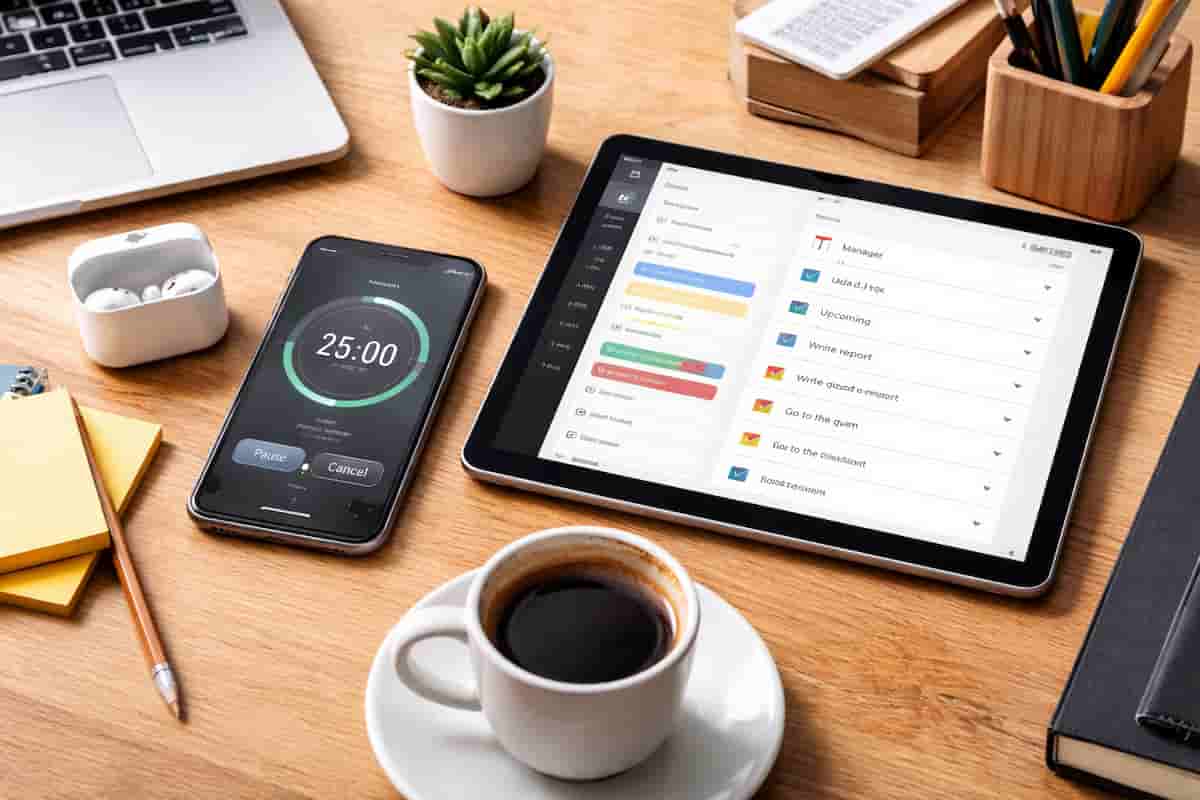
One widely used approach is the Pomodoro Technique, which involves working in focused intervals, usually 25 minutes, followed by a 5-minute break. Apps such as Focus Keeper and Toggl include timers that make this method easier to follow. By dividing work into manageable blocks, you can maintain concentration, reduce mental fatigue, and keep distractions under control.
Another helpful method is time blocking, where you assign specific periods on your calendar for different tasks. Apps like Google Calendar or Trello can help you visually schedule focused work, team collaboration, and even rest periods. By following a structured schedule, you create conditions that support concentration and reduce the chance of drifting away from important tasks.
Daily or weekly reviews can also improve time management. Using your productivity app, set aside time at the end of each day or week to review completed tasks, evaluate upcoming priorities, and make adjustments. Apps like Notion or Todoist can help you track these reviews. This habit allows you to identify productivity patterns, understand which strategies are working, and refine areas that need improvement.
Reducing Digital Distractions with App Features
Productivity apps often include features specifically designed to reduce digital distractions. Focus or distraction-free modes in apps like Forest or Freedom can create a more streamlined work experience. These features reduce notifications and limit access to distracting websites or apps during work sessions, helping you stay focused on the task in front of you.
Many productivity tools now also include AI-driven recommendations to help users optimize their schedules. Platforms like Todoist offer Smart Schedule features that suggest suitable days and times for completing tasks based on workload and deadlines. This type of support can improve time management while reducing distractions by giving you a clearer plan to follow.
Analytics and insights can also help users improve their workflows. Apps such as RescueTime track digital behavior and provide reports showing how much time is spent on different activities. By understanding where your time goes, you can make better decisions about reducing low-value activities and improving efficiency during work hours.
As you experiment with these time management techniques and app features, staying focused and reducing distractions can become more manageable. When used to their full potential, productivity apps can help you build a more organized and less chaotic work-life routine, making it easier to achieve more with fewer interruptions.
Conclusion
In today’s fast-paced digital environment, productivity apps have become important tools for making better use of time and reducing digital distractions. By choosing the right apps and applying effective strategies, you can simplify your workflow, improve focus, and accomplish more within your daily schedule. Techniques such as the Pomodoro Technique, time blocking, and regular task reviews can help turn your goals into practical results.
Built-in features such as distraction-free modes and AI-driven task recommendations also make it easier to create a work environment that supports deep concentration. As you use these tools, you can gain a clearer understanding of your productivity patterns and make more informed adjustments to improve efficiency. Analytics features can further show how your time is being spent, helping you approach both work and leisure with greater intention.
Mastering productivity is an ongoing process of testing, adjusting, and improving. By embracing the potential of productivity apps, you can simplify your workflow, reduce everyday chaos, and regain control over your focus. With consistent effort and the right digital tools, you can manage your time more effectively and move closer to personal and professional success.

Beatriz Johnson is a technology writer with an academic background in Digital Communication and Information Technology. She helps beginners understand digital tools, online safety, apps, productivity, and basic tech skills through clear and practical guides.