Cloud Storage for Beginners: How Online Storage Works Safely in 2026
Cloud storage has changed the way people save, access, share, and protect digital files. Instead of keeping documents, photos, videos, and backups only on one computer or external drive, cloud storage lets you store files online and access them from different devices.
For beginners, the cloud may sound complicated, but the basic idea is simple. Your files are stored on secure internet-connected servers managed by a cloud provider. When you log in to your account, you can upload, download, organize, and share those files from a phone, tablet, or computer.
In this guide, you will learn how cloud storage works, why online storage is useful, and how beginners can use cloud tools to keep digital files safer, more organized, and easier to access.
READ ALSO: Open Source Software Alternatives: Free Tools to Organize Your Digital Files
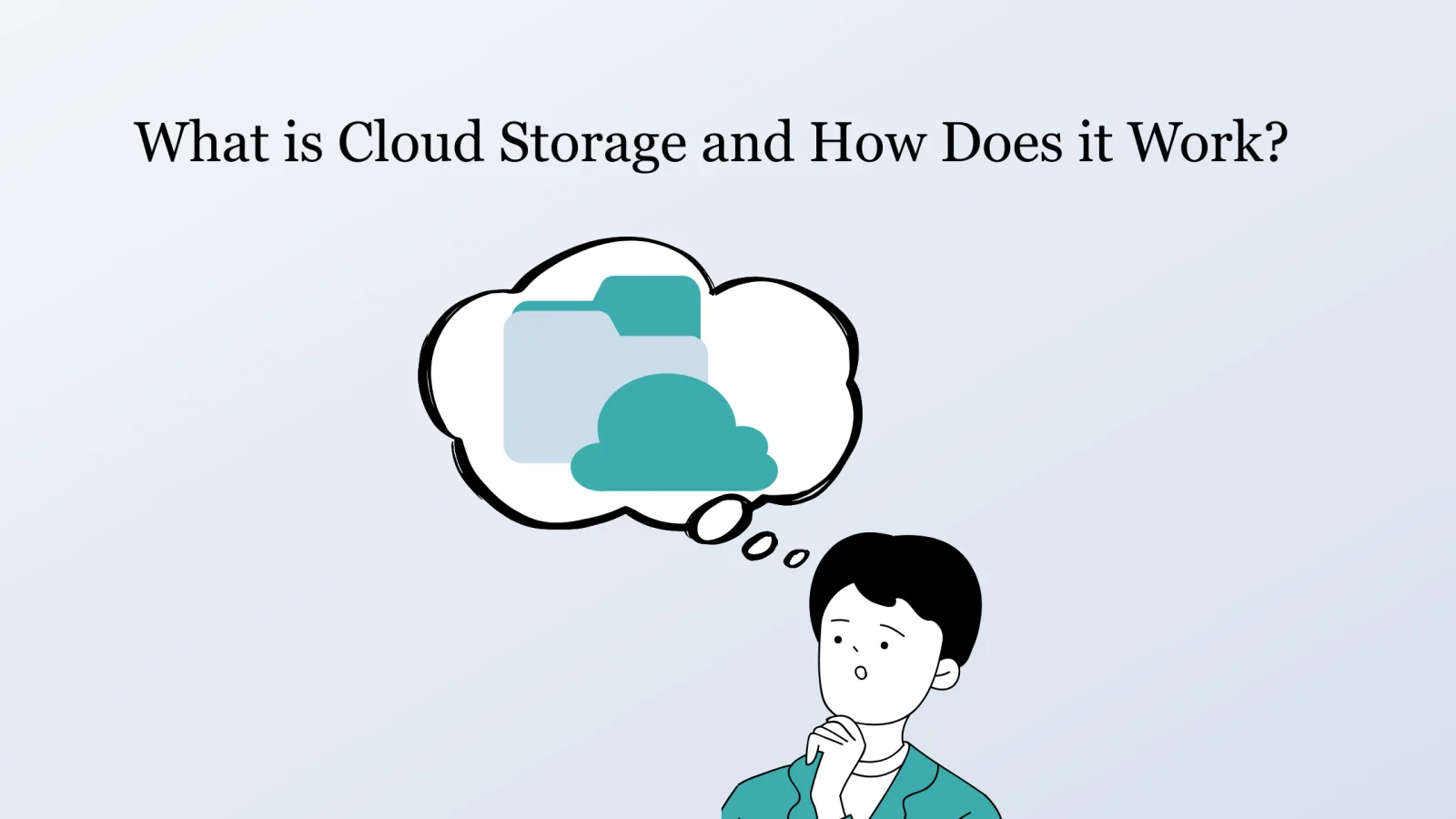
What Is Cloud Storage?
Cloud storage is a way to save files online instead of storing them only on a local device. These files are kept on remote servers maintained by cloud service providers.
Popular cloud storage services include Google Drive, Dropbox, Microsoft OneDrive, Apple iCloud, Box, and pCloud. These services allow users to store documents, photos, videos, spreadsheets, presentations, and other digital files in an online account.
With cloud storage, you can access your files from almost anywhere as long as you have an internet connection and the correct login credentials.

How Does Cloud Storage Work?
Cloud storage works by sending your files from your device to remote servers through the internet. Once uploaded, those files are stored in data centers and can be accessed later through an app, browser, or synced folder.
Data Centers
Data centers are specialized facilities that contain many servers used to store and manage large amounts of information. Cloud providers use these facilities to keep files available, organized, and protected.
Many cloud providers use multiple data centers in different locations. This helps improve reliability because files can be backed up across more than one system.
Internet Connection
An internet connection allows your device to communicate with the cloud storage provider. When you upload a file, it travels through the internet to the provider’s servers. When you open or download a file, it is sent back to your device.
Faster internet usually means faster uploads, downloads, syncing, and file sharing.
User Accounts
Cloud storage services use personal accounts to control access. Your account lets you manage files, folders, sharing permissions, passwords, and security settings.
Because your account protects your files, it is important to use a strong password and enable two-factor authentication when available.
Cloud Storage vs Traditional Storage
Traditional storage usually means saving files directly on a computer, USB drive, memory card, or external hard drive. Cloud storage saves files online, making them easier to access from different devices.
READ ALSO: Open Source Software Alternatives: Free Tools to Organize Your Digital Files
| Storage Type | How It Works | Best For |
|---|---|---|
| Local Storage | Files are saved directly on a computer, phone, or external drive. | Offline access and personal device storage. |
| Cloud Storage | Files are stored online and accessed through an account. | Remote access, backups, sharing, and collaboration. |
| External Drives | Files are saved on a separate physical device. | Large backups and offline file storage. |
Benefits of Cloud Storage for Beginners
Cloud storage offers several practical benefits for beginners. It can make file management easier, improve collaboration, and reduce the risk of losing important documents.
Easy Access from Any Device
One of the biggest benefits of cloud storage is accessibility. You can open your files from a smartphone, tablet, laptop, or desktop computer.
This is useful if you work from different locations, switch between devices, or need to access documents while traveling.
Automatic Backup
Cloud storage can help protect files from accidental loss. If your computer breaks, your phone is lost, or an external drive stops working, files stored in the cloud may still be available through your account.
Some cloud services also sync files automatically, which helps keep updated versions stored online.
Simple File Sharing
Cloud storage makes file sharing easier. Instead of sending large attachments by email, you can share a link or invite someone to a folder.
This is useful for school projects, work documents, family photos, business files, and collaborative tasks.
Real-Time Collaboration
Some cloud platforms allow multiple people to work on the same document at the same time. Google Drive, for example, works with Google Docs, Sheets, and Slides for real-time editing and comments.
This reduces confusion caused by multiple file versions and helps teams work together more efficiently.
Better File Organization
Cloud storage tools usually allow users to create folders, rename files, search documents, and sort content by date or file type.
For beginners, this can make digital organization easier than keeping files scattered across downloads folders, desktops, email attachments, and external drives.
Flexible Storage Plans
Many providers offer free storage with optional paid upgrades. Beginners can start with a free plan and upgrade later if they need more space.
This flexibility makes cloud storage useful for both personal users and small businesses.
READ ALSO: Open Source Software Alternatives: Free Tools to Organize Your Digital Files
Common Uses for Cloud Storage
Cloud storage can support many everyday tasks. Beginners can use it for both personal and professional purposes.
- Saving photos and videos.
- Backing up important documents.
- Sharing files with friends, family, clients, or coworkers.
- Collaborating on documents and spreadsheets.
- Accessing files from multiple devices.
- Organizing school, work, or business files.
- Storing scanned documents, receipts, and records.
Popular Services
There are many cloud storage services available. Each one offers different features, storage limits, apps, and pricing options.
Google Drive
Google Drive is a very popular option that works well with Google Docs, Sheets, Slides, Gmail, and other Google services. It is useful for collaboration, file sharing, and document editing.
Microsoft OneDrive
Microsoft OneDrive is useful for people who use Windows or Microsoft 365. It works well with Word, Excel, PowerPoint, and Outlook.
Apple iCloud
Apple iCloud is designed for users with iPhone, iPad, and Mac devices. It can store photos, backups, documents, and app data across Apple devices.
Dropbox
Dropbox is known for simple file syncing and sharing. It is useful for individuals and teams that need easy access to shared folders across devices.
Box
Box is often used by businesses because it offers collaboration, file sharing, permissions, and security controls.
Cloud Storage Comparison for Beginners
| Service | Best For | Main Benefit |
|---|---|---|
| Google Drive | Google users and collaboration | Works well with Docs, Sheets, and Slides. |
| OneDrive | Windows and Microsoft 365 users | Integrates with Word, Excel, and PowerPoint. |
| iCloud | Apple users | Syncs files, photos, and backups across Apple devices. |
| Dropbox | Simple file syncing | Makes file sharing and syncing easy. |
| Box | Business file management | Offers collaboration and permission controls. |
How to Use Cloud Storage Safely
Cloud storage is convenient, but beginners should also use basic security habits to protect their files.
- Use a strong, unique password for your cloud account.
- Enable two-factor authentication when available.
- Review sharing permissions regularly.
- Do not share sensitive files with public links unless necessary.
- Remove access for people who no longer need it.
- Keep backup copies of very important files.
- Use trusted cloud storage providers.
Common Mistakes to Avoid
Cloud storage can become messy or risky if it is not managed properly. Avoid these common beginner mistakes:
- Saving files without folders: A clear folder system makes files easier to find.
- Using vague file names: Descriptive names help with search and organization.
- Sharing links too broadly: Public links can expose files to the wrong people.
- Ignoring storage limits: Free plans may fill up quickly with photos and videos.
- Forgetting backups: Cloud storage is helpful, but important files may still need extra backup copies.
- Not checking sync status: Make sure important files are actually uploaded and synced.
Best Cloud Storage Setup for Beginners
A simple cloud storage setup can help beginners stay organized without becoming overwhelmed.
Start with a basic folder structure like this:
- Documents
- Photos
- Work
- School
- Personal
- Finance
- Backups
- Archive
Then use clear file names that include dates or descriptions. For example:
- tax-documents-2026.pdf
- project-proposal-final.docx
- family-photos-july-2026.zip
READ ALSO: Open Source Software Alternatives: Free Tools to Organize Your Digital Files
FAQ About Cloud Storage
What is cloud storage in simple terms?
Cloud storage means saving files online instead of keeping them only on your computer, phone, or external drive. You can access those files through an internet connection and your account.
Do I need internet to use it?
You usually need internet to upload, sync, or access cloud files. Some services allow offline access if files are downloaded or marked for offline use.
What is the best cloud storage for beginners?
Google Drive, OneDrive, iCloud, and Dropbox are beginner-friendly options. The best choice depends on the devices and apps you already use.
Can cloud storage replace an external hard drive?
Cloud storage can replace some uses of an external hard drive, especially file access and sharing. However, important files may still benefit from having both cloud backup and a physical backup.
References

Beatriz Johnson is a technology writer with an academic background in Digital Communication and Information Technology. She helps beginners understand digital tools, online safety, apps, productivity, and basic tech skills through clear and practical guides.